
PARTY JAM — Jackbox-style party games in your browser
Jackbox-style party games that run in the browser. Create a room, share the code, play from your phones — nothing to download, no accounts.
Party games where every phone is a controller
Party Jam is a set of party games that run right in the browser. One shared screen shows the game: a TV, a laptop or a screen shared in a call. Every player opens the site on their phone, enters a four-character room code, and the phone becomes their controller.
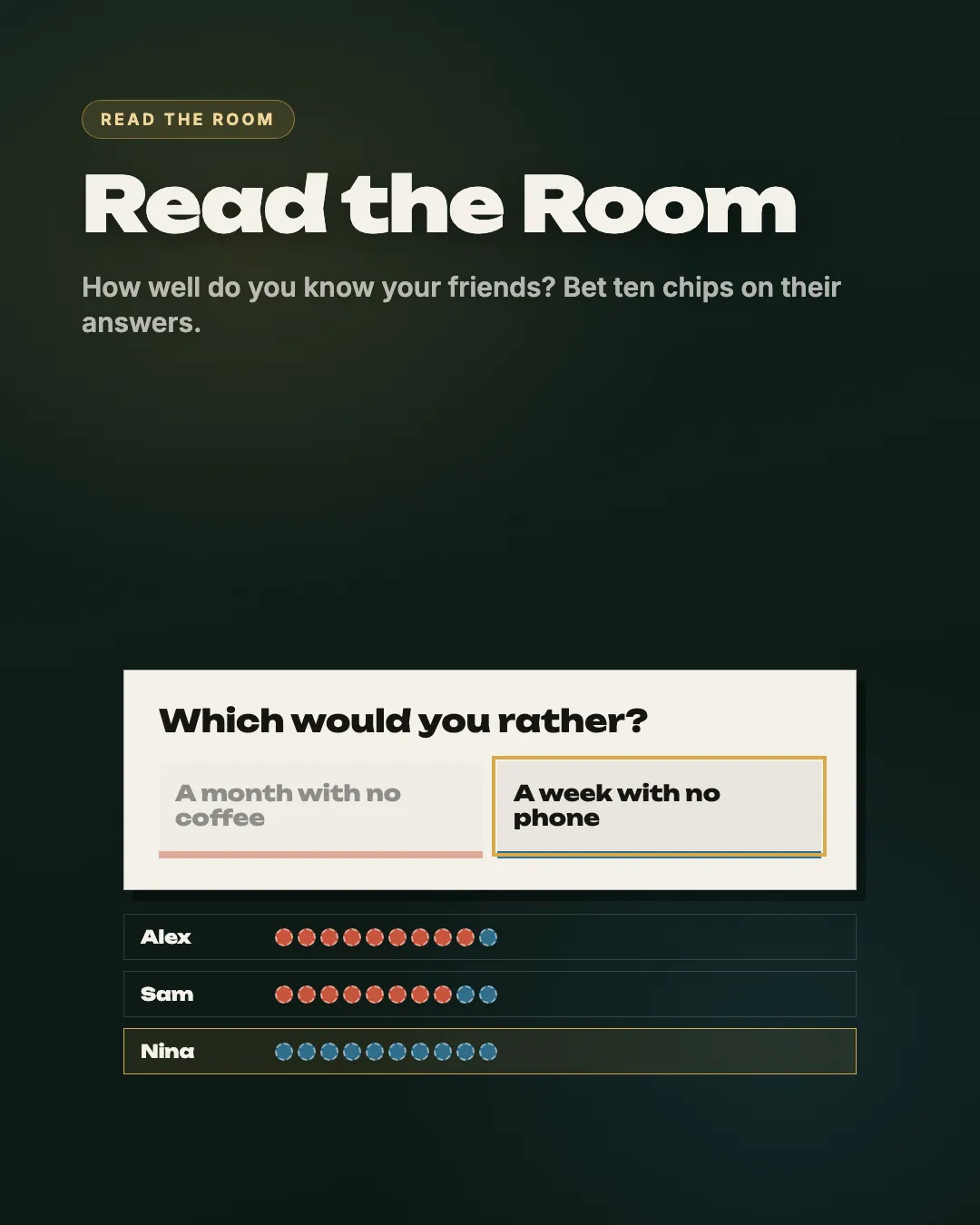
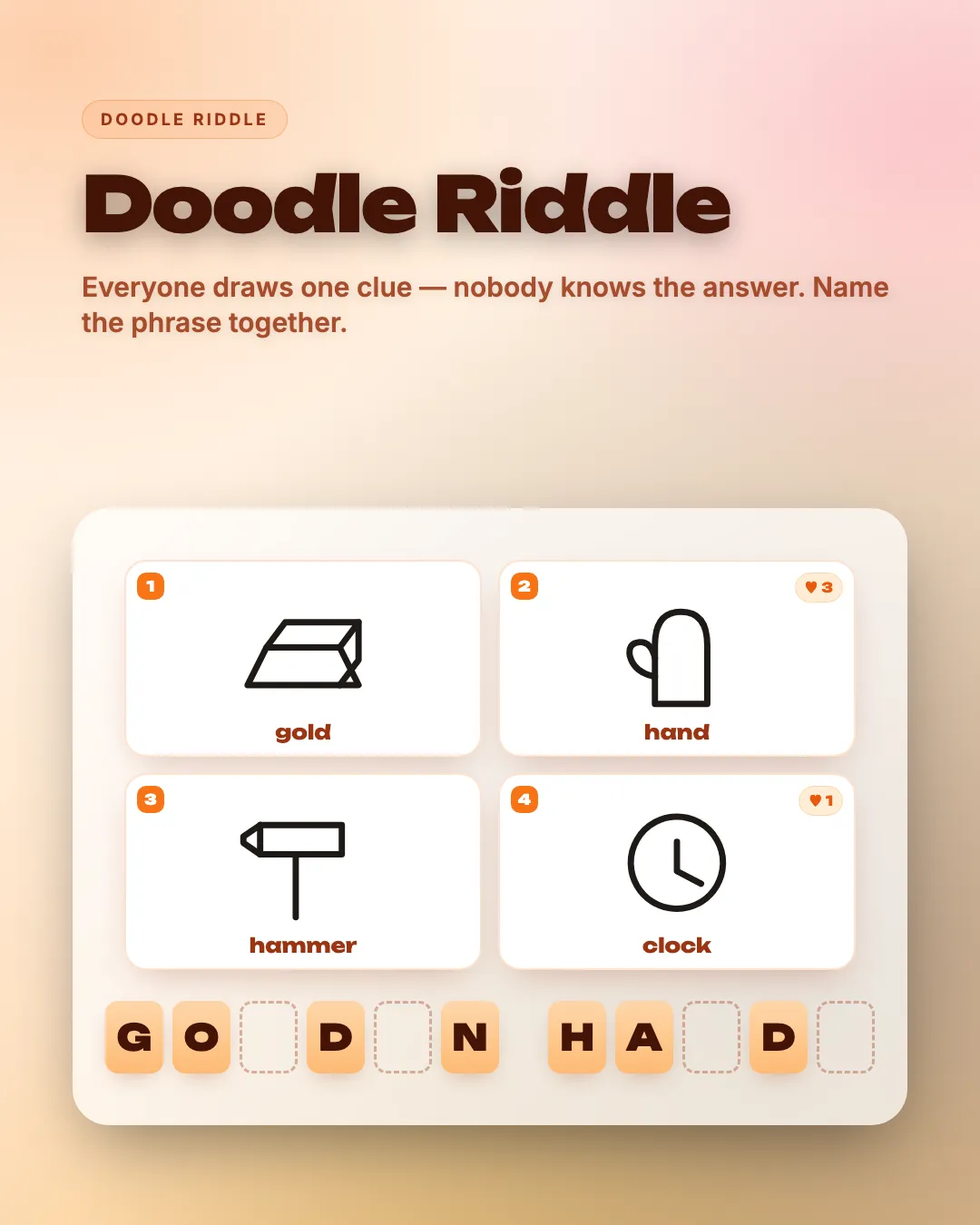
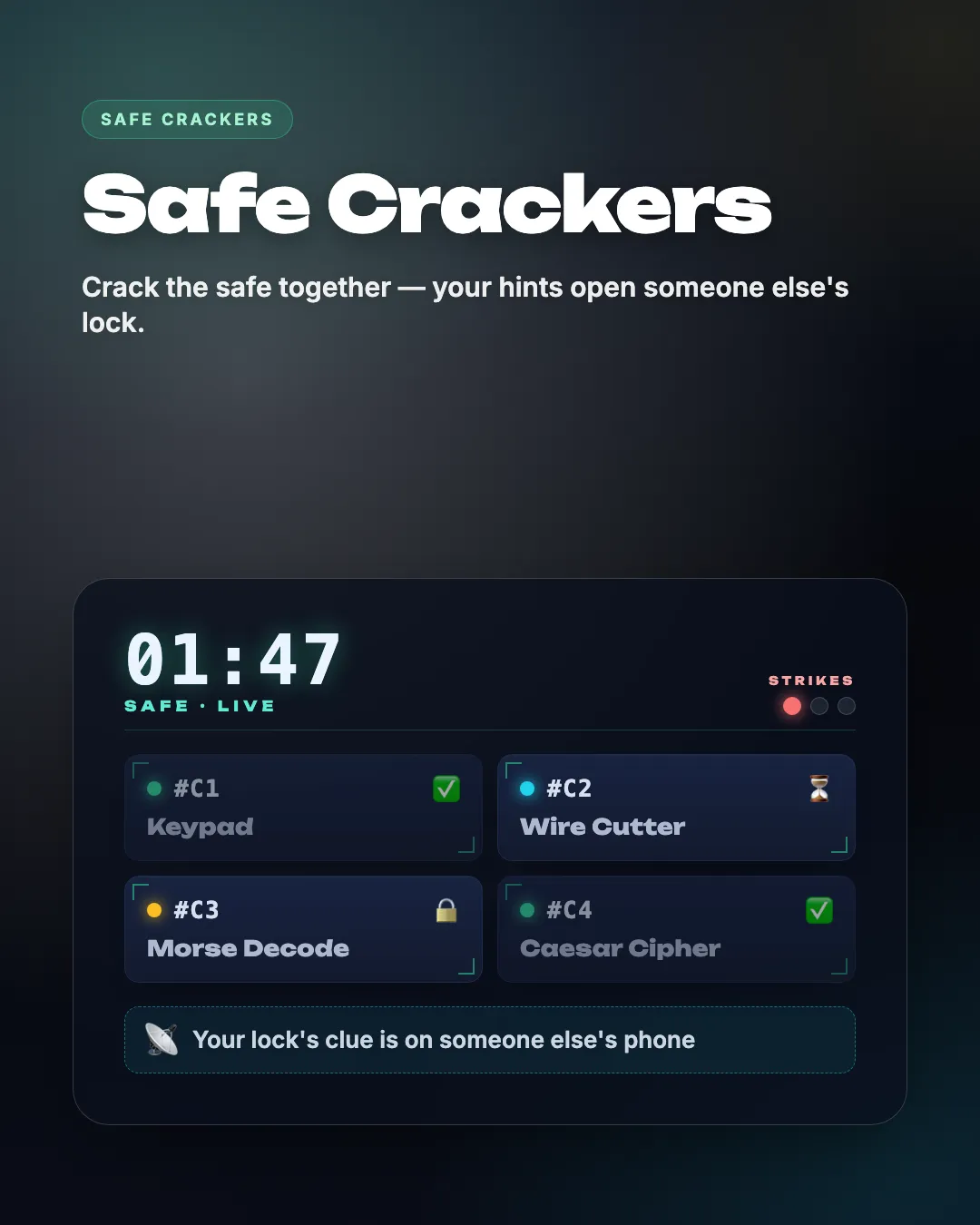
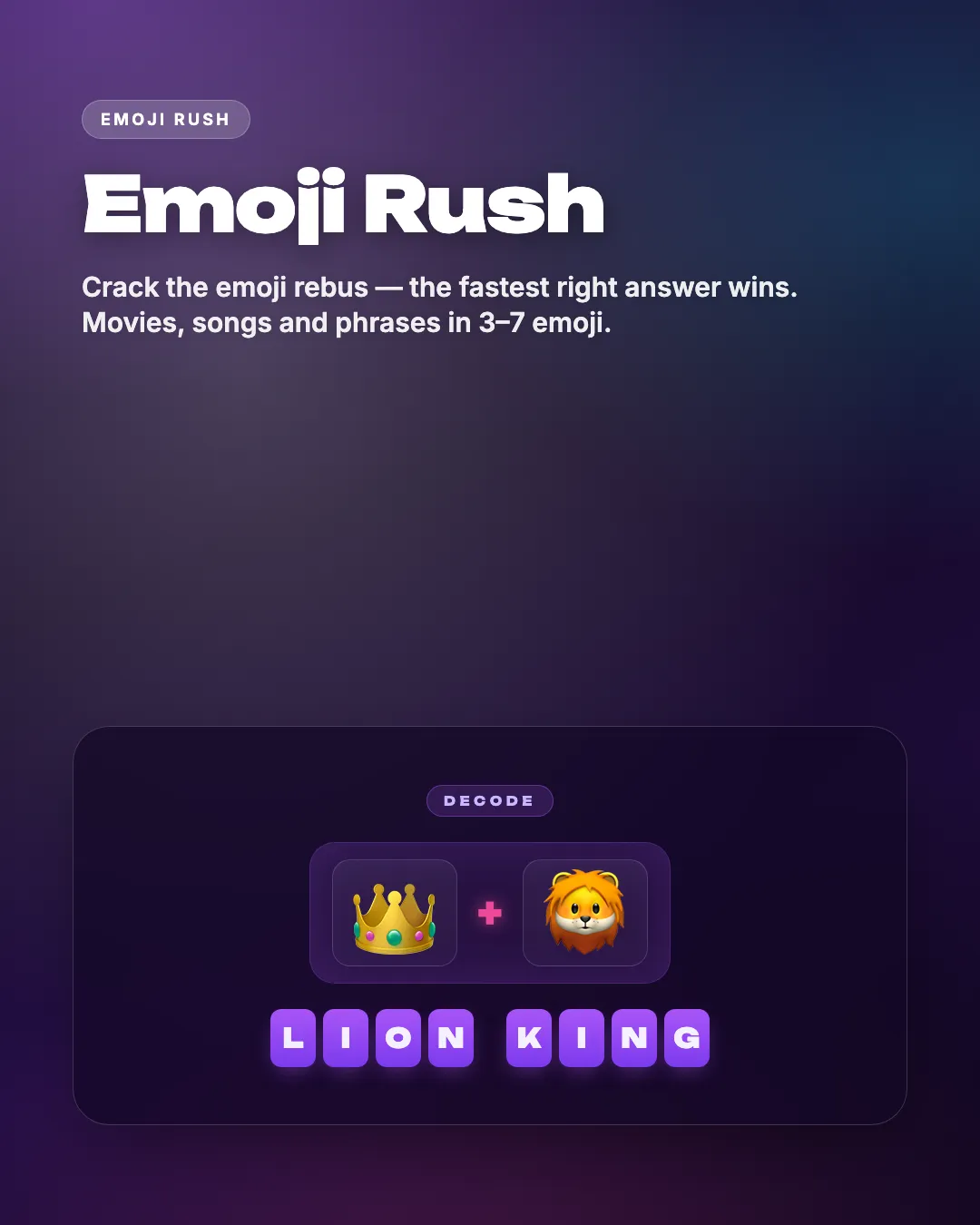
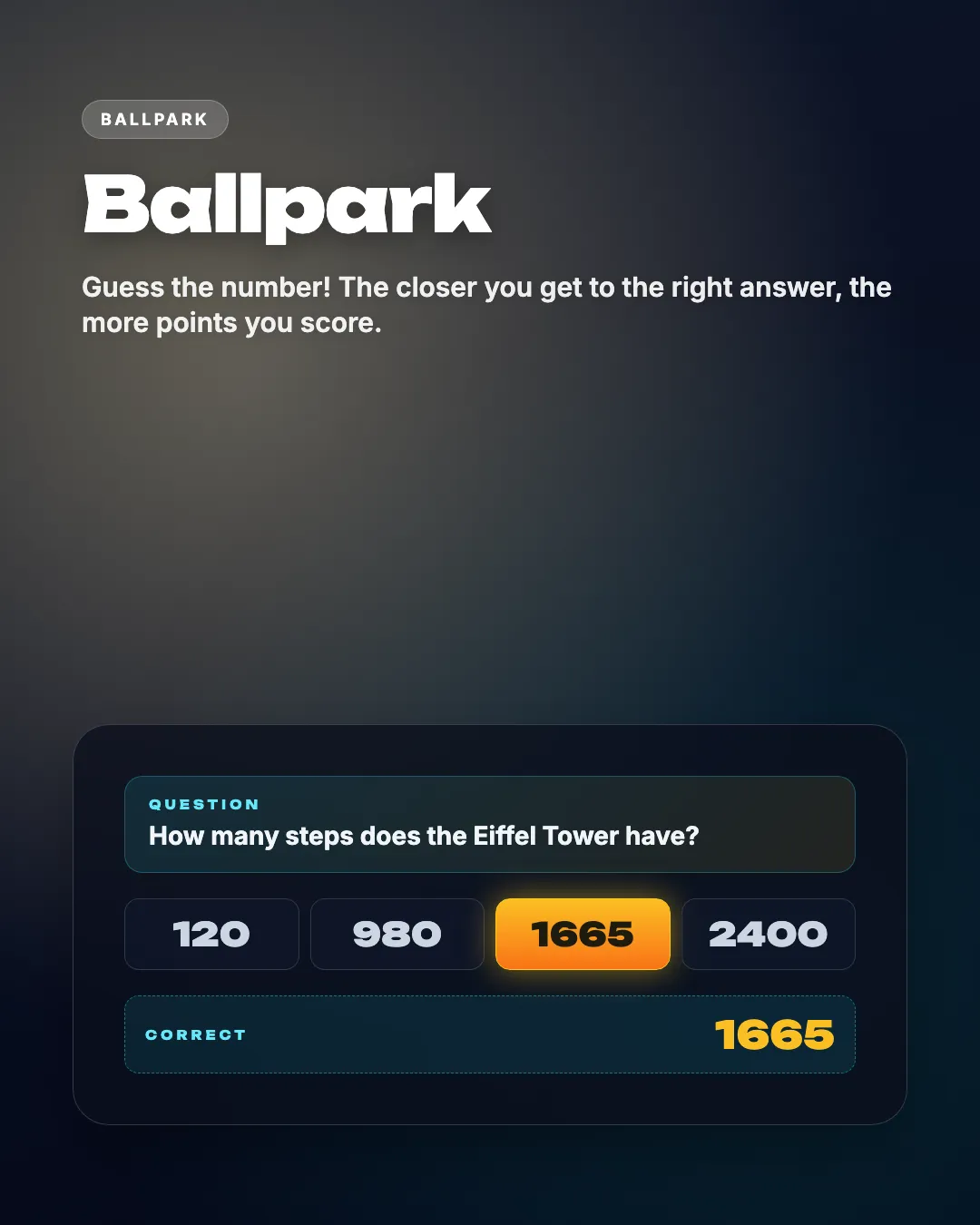
Every game is made to be played together, in one room or on a video call. The catalogue has a world-map guessing game, drawing judged by AI, spotting the fake fact, a co-op case for a team of detectives, round-robin stories and more.
Nothing to install and no sign-up. Up to 10 phones per room, and most games take 10 to 20 minutes.
10 party games
From bluffing to drawing — pick a game and start the fun
How it works





FAQ
How much does Party Jam cost?
+
While in beta, every game is free and ad-free.
Do I need to install anything or sign up?
+
No. The game opens in a browser on the big screen, and players join from their phone's browser with the room code. No sign-up for anyone.
How many people can play?
+
Up to 10 phones per room. The minimum depends on the game; some work with a single player. With more guests, play in pairs, two per phone.
What do I need to start?
+
A device with a browser for the shared screen and the players' phones. An HDMI cable from a laptop to the TV is the most reliable; Chromecast, AirPlay or the TV's own browser also work.
How to play on a TV →Can we play remotely over Zoom, Discord or Google Meet?
+
Yes. The host opens the game on a computer and shares the screen with sound; every player joins from their own phone using the code on the shared screen.
Games for Zoom, Discord and Meet →How is Party Jam different from Jackbox?
+
Same idea: one shared screen and phones as controllers. The difference is that Party Jam is free, runs in any browser — including a smart TV's — and there is nothing to buy or install.
Full comparison →