

Office party games have a harder job than family ones. Colleagues know each other's work but often not each other, some people hate being put on the spot, and part of the team may be dialing in from home. A game that's perfect for old friends can make a work party feel like a mandatory training session.
We make Party Jam, browser party games where one screen shows the game and everyone plays on their own phone. This guide covers what makes a game work at a work holiday party, how to run one in the office and over a video call, and which of our games we'd pick for each.
What works at a work party
A few things make the difference:
- Everyone answers at once. When everyone types on their phone at the same time, nobody has to stand up and perform. That's the biggest difference from charades or karaoke.
- Nothing too personal. Games about secrets and confessions are great with close friends and awkward with someone from finance you met twice.
- Short rounds. People drift to the bar and back. A 10 to 20 minute game is about as much as you'll get.
- Teams beat rankings. A co-op game puts the intern and the director on the same side, which is what most organizers are hoping for in the first place.
Running it in the office
The setup is the same as at home: the game on a big screen, phones as controllers. A meeting room TV or a projector works well.
- Connect a laptop to the screen with an HDMI cable and send the sound to the room speakers. Our guide to playing party games on a TV has the details.
- Test on the office network a day before. Corporate networks sometimes block sites they don't know. If yours does, use the guest Wi-Fi; players can also join on mobile data.
- Open the game catalogue, create a room and put the QR code on screen. Players scan it with their phone camera and type a name. Nobody needs an app or an account, so there's nothing for IT to approve on people's phones.
How many people? One room holds up to 10 phones. For a team of 20 or 30, you have two options. Play in teams of two or three, sharing one phone per team. Or run two or three rooms on separate screens, each with its own laptop. Scores aren't combined between rooms, so if you want an overall winner, keep a tally on a whiteboard.
How long? Set aside 30 to 45 minutes for two or three games. Put the games before dinner or speeches, not after; people won't come back to the screen once the music starts.
Running a virtual holiday party
For a remote team, the host shares the game screen in the video call, and everyone joins the room from their own phone using the code they see on the shared screen.
- Share the sound. In Zoom, tick "Share sound" when you start sharing. In Microsoft Teams, turn on "Include computer sound." Google Meet shares a Chrome tab's audio by default. Our guide to party games on Zoom, Discord and Google Meet walks through each one.
- Two screens per person. The call on a laptop, the game controls on a phone. Playing on the same phone that runs the call means constantly switching apps.
- Avoid speed games. Video in a call lags a little behind the game, so remote players see each question later than the host does. Pick games where points don't depend on being first.
For a hybrid party, share the meeting room's laptop screen into the call. Everyone in the room and everyone at home joins the same room from their phones, so remote people play on equal terms.
Team building games for the office party
These are our picks for a room full of colleagues.
1.Safe Crackers
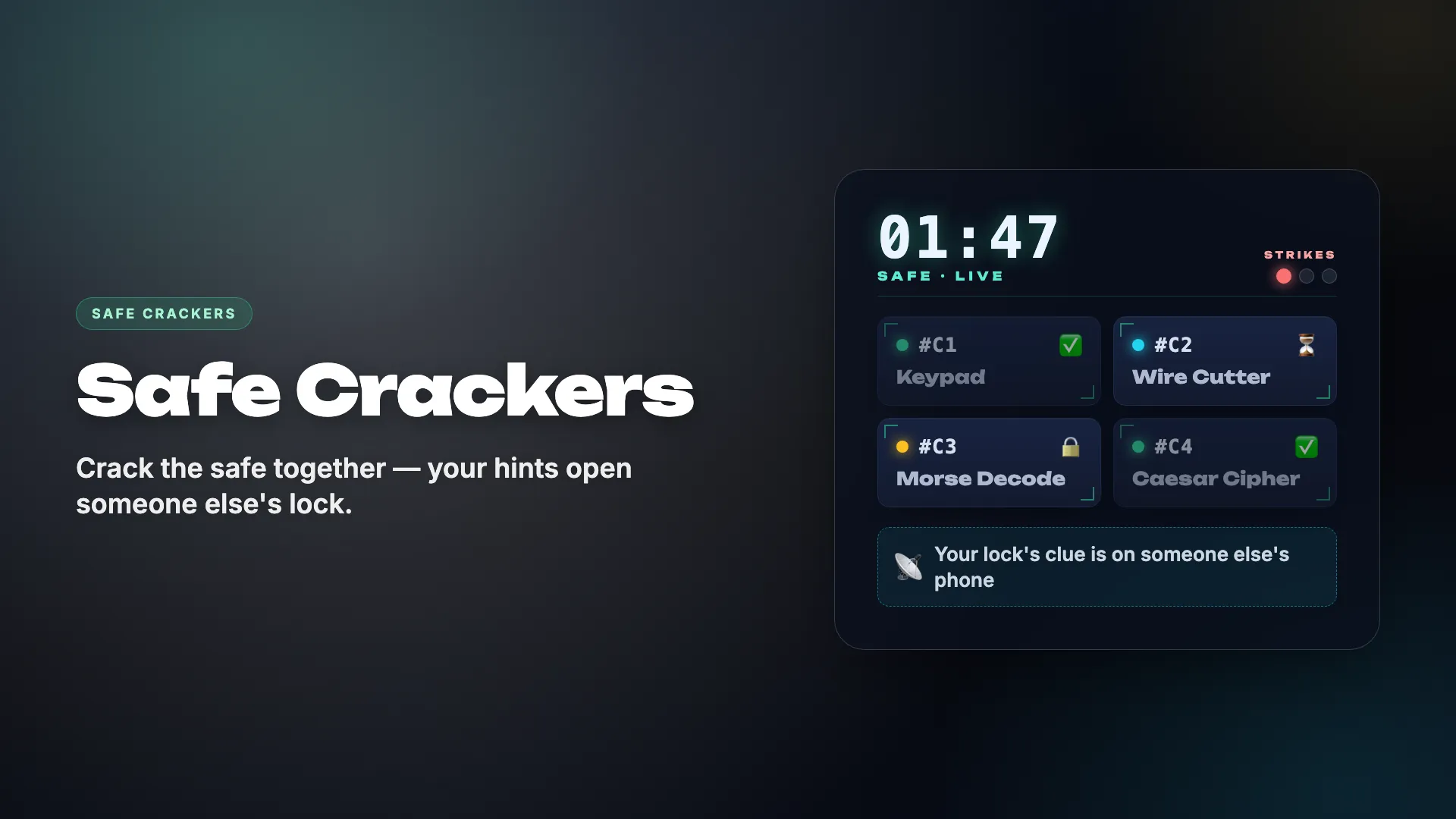
Everyone has a lock on their phone, but the instructions for it are on someone else's. The team has to read instructions out loud to the right people and open every lock before time runs out.
- Fully co-op: the team wins or fails together
- Quiet people end up talking, because the person holding their instructions needs them to
- Short enough to play twice, and the second attempt usually goes much smoother
- Hard and Hardcore modes hide the locks from the shared screen; start on Easy
- Works on a call too, but only if people take turns speaking
2.Ballpark
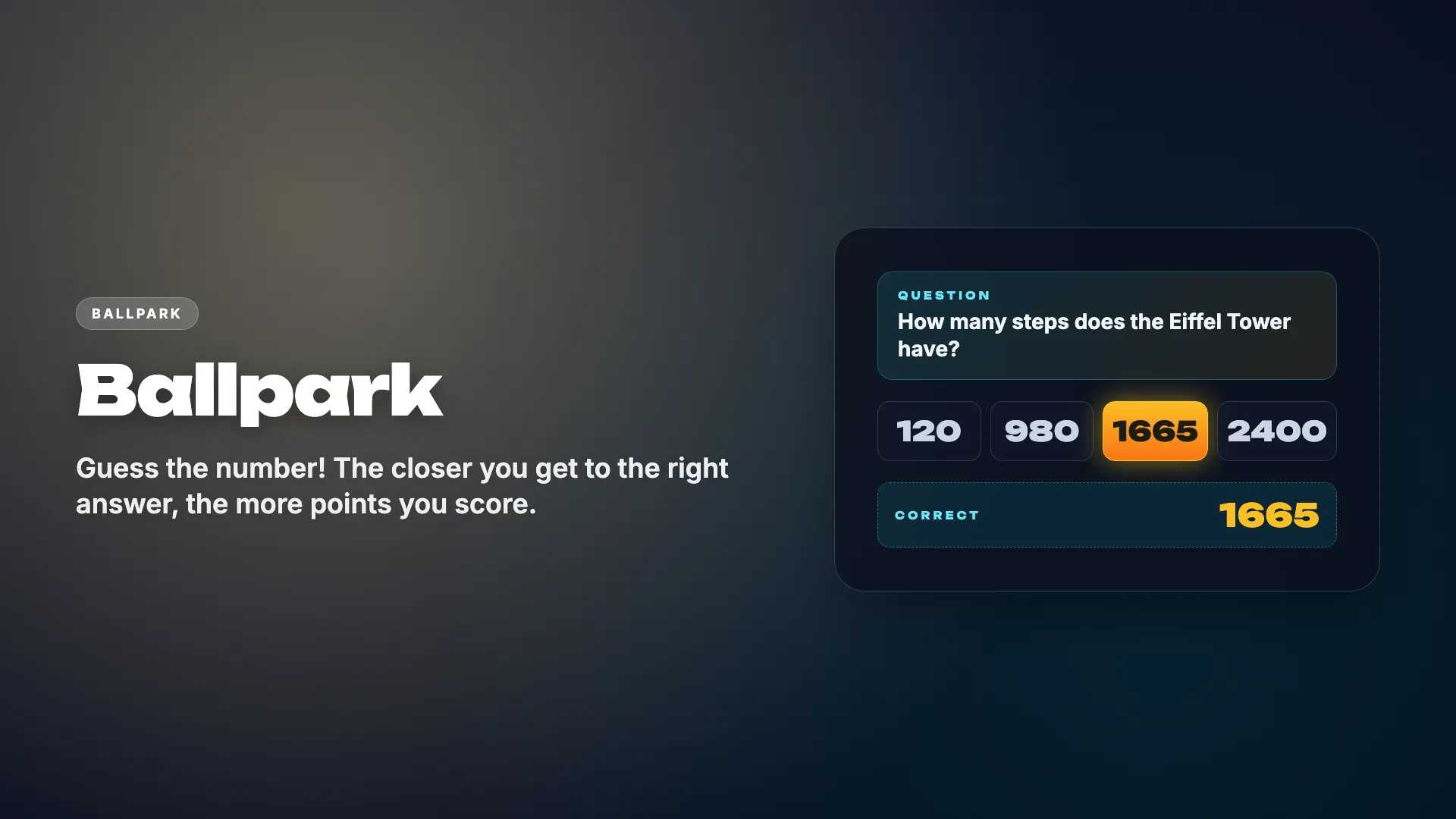
Every answer is a number: a year, a height, a distance. Everyone guesses on their phone, and the guesses drop onto a scale from farthest to closest.
- Points go to the closest guess, not the fastest, so it's fair over a video call
- Being roughly right is enough, so nobody looks foolish for not knowing
- Calm rather than loud; a good opener, less so as a finale
3.Doodle Riddle
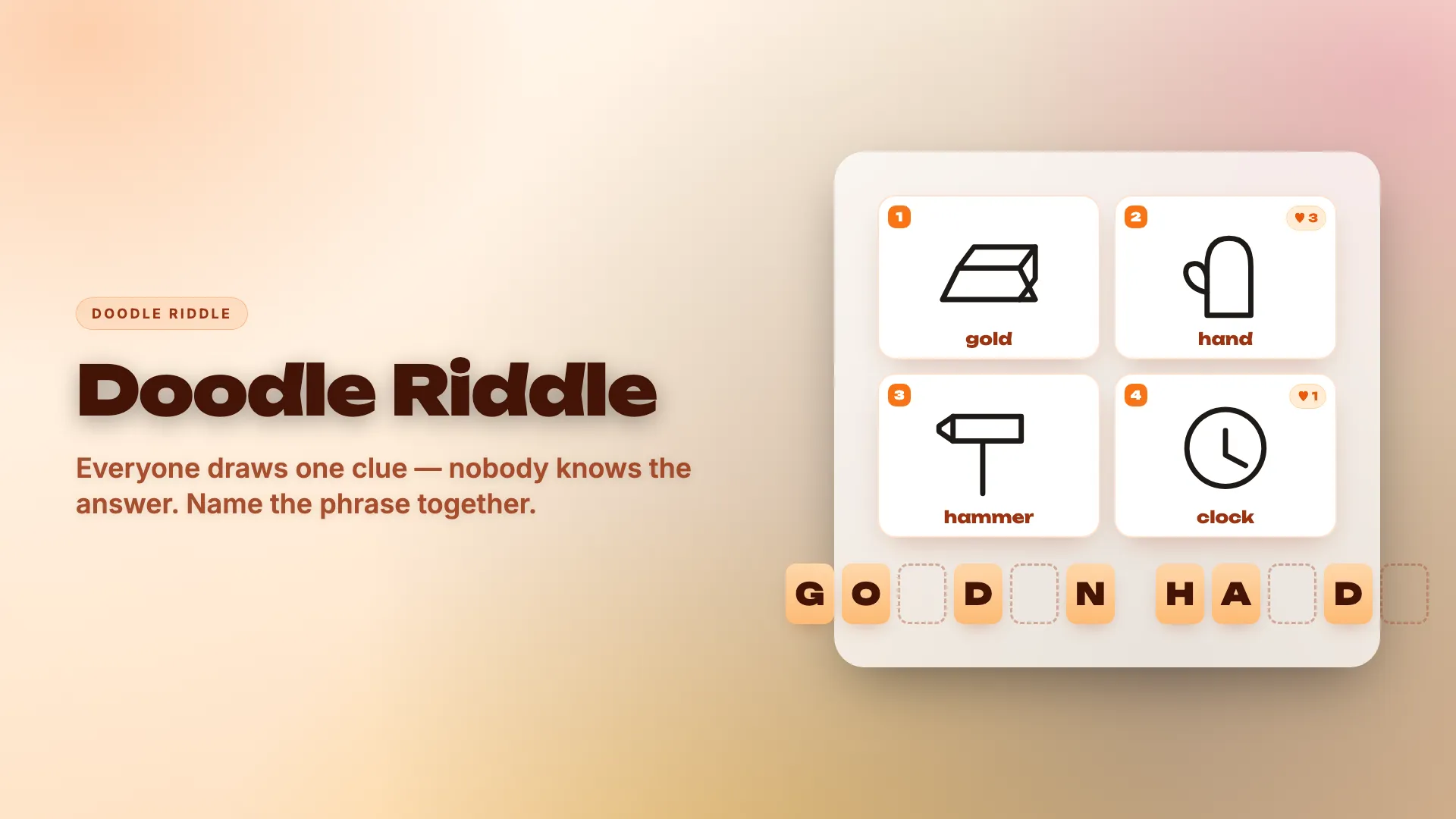
Each player draws one secret word, and the phrase only makes sense when all the drawings are on screen together, like "honey" plus "moon." The team pieces it together while letters of the answer appear.
- Everyone who solves it scores, and bad drawings help as much as good ones
- Nobody has to draw in front of the room; you draw on your phone
- Needs at least three players
4.Spot the Swap

Everyone gets a real, surprising fact and swaps one word for a fake. Then everyone tries to spot the swapped word in each other's facts.
- The facts come from the game, so nobody has to share anything about themselves
- It's a cousin of "two truths and a lie," without the personal confessions
- The first round is slow while people learn how to make a good fake
Virtual holiday party games
For a remote team, these hold up best over a call.
5.Word Forge

Everyone gets the same letters and 60 seconds to make one word. Longer words score more, but if two people submit the same word, both get zero.
- A full minute per round makes call lag irrelevant
- Answers stay hidden until the reveal, so nobody copies over the call
- Quiet while people think; the reveal is where the reactions come
6.Map Grab

A landmark, country or famous person appears on the shared screen, and everyone drops a pin on the world map on their phone. The closest pin claims that part of the world.
- 60 seconds per round, and the map is on your phone
- A natural fit for a team spread across several countries
- The short version takes about 9 minutes
- The target itself is on the shared screen, so a frozen video can cost a second or two
7.Draw-Off
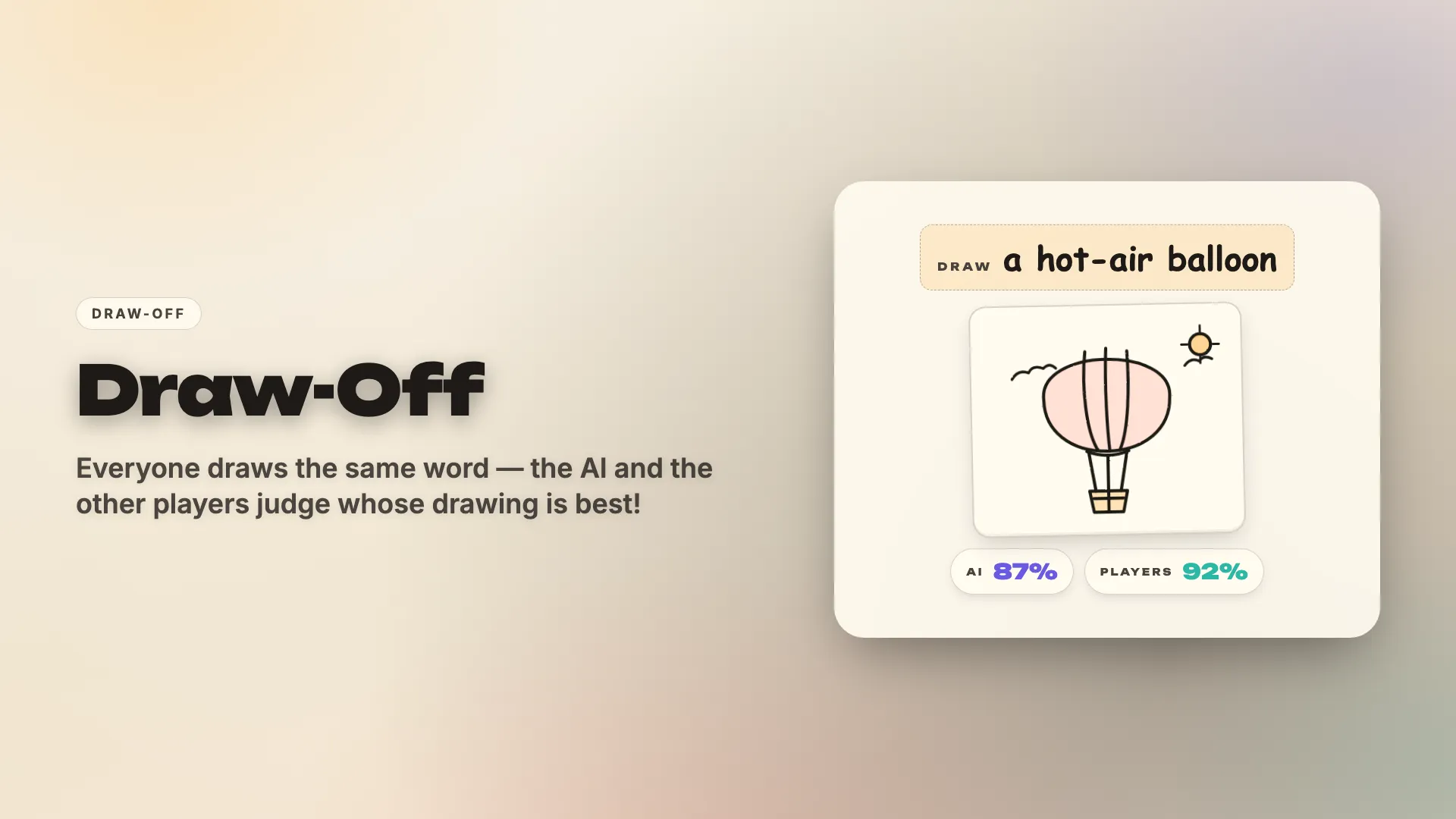
Everyone draws the same word on their phone, and an AI on the host's computer scores each drawing in percent. Then the drawings are revealed side by side.
- The drawing happens on your phone, so lag hardly matters
- The AI is the judge, so nobody has to rate a colleague's art
- The host needs a reasonably fast computer, since the AI runs there
Games we'd think twice about at work
We'd rather tell you now than have you find out at the party.
- Read the Room asks people questions about themselves, then has the team bet on the answers. It's great for a team that's worked together for years, and a bit much for a department that just reorganized.
- Fine Print has everyone write sentences freely, and the stories get read out loud at the end. With the right crowd it's the funniest game we have. With the wrong one, someone will write something your HR team won't enjoy.
- Emoji Rush rewards the fastest answer, so it's unfair on a video call. In the office it's fine.
No-screen options
If part of the party is better without phones, the usual suspects still work. An office white elephant gift swap with a low price limit is the classic. A holiday quiz in teams works if someone has time to write questions. Either pairs well with one or two rounds on the screen.
Is it free for companies?
While Party Jam is in beta, every game is free, for teams as well as families. Nobody needs to sign up.
Does anyone need to install anything?
No. The game runs in a browser on the host's laptop, and players join in their phone's browser with a room code.
How many people can play?
Up to 10 phones per room. For larger teams, play in small teams sharing a phone, or run several rooms on separate screens.
Does it work on Microsoft Teams?
It should work in any call that lets the host share a screen with sound. We've written step-by-step instructions for Zoom, Discord and Google Meet; in Teams, turn on "Include computer sound" when you share.